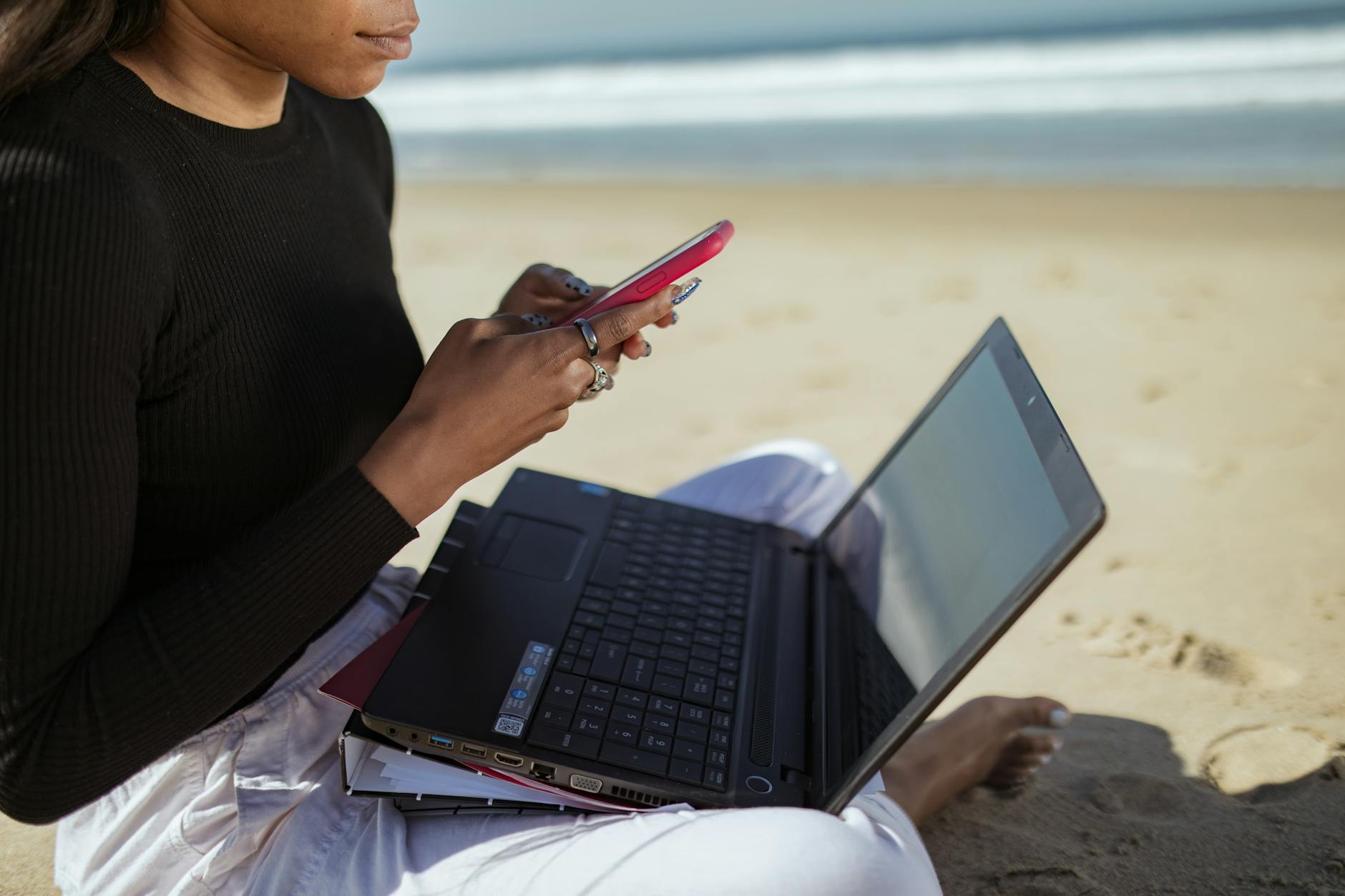
The coworking space opens at 8am but you’re already at the cliff-edge café by 7:30, watching pelicans draft along the wave face below while your laptop boots. Your project deadline is in two days and your VPN is stable. The surf looked clean at dawn and you’ve allocated 11am-1pm to it. This is the unglamorous reality of remote work by the ocean – not a perpetual holiday, but a carefully engineered life that puts the things you love closer to the hours you have available.
This guide covers the actual gear, the actual internet solutions, and the actual daily scheduling that working ocean-adjacent professionals use – not aspirational content marketing.
The Honest Truth About Internet at the Ocean
Internet infrastructure is the decisive factor for coastal remote work, and it varies enormously. Bali’s Canggu has fibre optic coworking spaces with 200+ Mbps symmetric speeds. A beach town in the Philippines or a surf camp in Morocco may have 5 Mbps satellite with daily outages. Before committing to any location, check Nomad List’s internet score, query the local expat Facebook group, and – if possible – book one week in a short-term rental before signing a lease.
Minimum viable internet for standard remote work: 25 Mbps down / 10 Mbps up for video calls. For video production or large file uploads: 100+ Mbps symmetric. For developers running builds: 50+ Mbps down.
Backup internet is non-negotiable when working from coastal areas. The three solutions in order of reliability:
- Starlink Roam: $150/month + $599 hardware. Delivers 50-250 Mbps globally, including most ocean-adjacent locations. Pause and resume monthly – ideal for nomads. Set up in 15 minutes anywhere with sky view. This is the breakthrough product for coastal remote work.
- Local SIM with data plan: In most of Southeast Asia and Latin America, a local SIM with 30-50GB/month costs $15-40. Speeds vary (1-50 Mbps) but serve as reliable backup. Keep two SIMs from different carriers for redundancy.
- Mobile hotspot from home carrier: Works when roaming is included (EU roaming) but expensive globally. Use only as emergency tertiary backup.
The Complete Hardware Setup for Ocean-Adjacent Work
| Item | Recommendation | Price (approx.) | Why this one |
|---|---|---|---|
| Laptop | MacBook Pro M3 14″ or M4 | $1,599-$1,999 | Best battery life (18h), silent, fastest CPU/GPU for the weight class |
| Laptop (budget) | Lenovo ThinkPad X1 Carbon Gen 12 | $1,200-$1,500 | Repairable, great keyboard, 12h+ battery |
| External monitor | LG 27″ 4K USB-C (27UL850) | $350-$450 | Single cable powers laptop + display. Foldable alternative: Uperfect 15.6″ portable ($180) |
| Keyboard | Keychron K3 (wireless) | $90-$110 | Compact, sand-resistant key cap gaps minimal, works on any surface |
| Mouse | Logitech MX Anywhere 3 | $60-$80 | Works on glass, sand-covered tables, any surface |
| Webcam | Logitech Brio 4K | $150-$200 | Auto-light adjustment critical for bright coastal environments |
| Headset | Sony WH-1000XM5 | $280-$350 | Best ANC for wind noise and ambient beach sound |
| Laptop bag | Osprey Daylite Plus (26L) | $90-$110 | Laptop compartment + gear compartment; water-resistant exterior |
| Power bank | Anker 747 (26,800mAh PD 90W) | $90-$110 | Charges MacBook Pro to 100% 1.5×; airline approved |
| Universal adapter | Satechi Slim Multi-Port (5-in-1) | $50-$70 | HDMI 2.0, 2×USB-A, USB-C, SD card – sufficient for most setups |
Total setup cost: $2,700-$4,000 new. Secondhand MacBook M1/M2 + budget peripherals: $1,200-1,800.
The Contrarian Take: You Don’t Need Much
The gear list above is the optimal setup. Here is what most successful ocean-based remote workers actually use: a 3-year-old laptop, a $35 local SIM, AirPods Pro, and Notion. The productivity gains from upgrading to an M3 MacBook from an Intel Mac are real but not life-changing. The productivity gains from being 200 metres from the ocean – where you can take a 20-minute surf break when blocked on a problem – are enormous and well-documented in the research on cognitive reset and creative insight.
Don’t wait for the perfect setup. Go with what you have and upgrade once you know exactly what the specific location requires.
Designing a Productive Ocean-Adjacent Work Day
The most common scheduling failure of ocean-based remote workers is not time zone conflict or internet outages. It is the failure to structure the day so ocean time is protected rather than squeezed out.
The pattern that experienced ocean nomads converge on:
05:30-07:30: Ocean time (dawn surf, freedive, or swim before the crowds and heat). This is non-negotiable – it is what you came for. Protect it with the same calendar blocking you’d use for a client call.
08:00-08:30: Rinse, breakfast, espresso. No screens. This transition period between ocean and desk is not wasted time – it is the cognitive reset that makes deep work possible.
08:30-12:30: Deep work block. No meetings if possible. This is when cognitive performance peaks (cortisol naturally highest in the morning). Coworking space or air-conditioned home office.
12:30-14:00: Lunch + second ocean session or rest. In the tropics this is often too hot for surf – good for snorkel, pool swim, or hammock with a book.
14:00-17:00: Lighter work – emails, calls, admin. Can often be done from a cafe. Schedule any European or US time-zone calls here.
17:00-18:30: Sunset session (optional ocean time – best light, cooler temperatures, smaller crowds in many locations).
19:00-21:00: Evening work block for US-timezone teams if needed. Maximum 2 hours – protect sleep above all other variables.
Best Coworking Spaces in Ocean-Adjacent Towns
Dojo Bali (Canggu): 250 Mbps fibre, 24/7 access, pool, $220/month hot desk. Probably the most well-known surf-town coworking in the world. Surf Simply (Nosara, Costa Rica): coworking attached to a surf camp, $18/day or $250/month. Surf Office (Gran Canaria, Lisbon, Barcelona, Lanzarote): purpose-built remote work + surf retreat spaces, $50-$80/day including accommodation. Hubud (Ubud, Bali, inland): 200 Mbps, bamboo architecture, $170/month – inland but 30 min drive to Canggu beaches.
Frequently Asked Questions
How do I handle time zone differences when working near the ocean in Asia?
Bali is UTC+8, making it 13-15 hours ahead of US time zones. For US-centric jobs this is manageable with an early morning overlap (7:00 a.m. Bali = 6:00 p.m. New York). Many remote workers in Bali work a 10:00 a.m.-7:00 p.m. local schedule to cover US business hours in the afternoon. European-centric teams are easier from Bali – a 4:00-8:00 p.m. Bali overlap covers all of Europe’s business hours comfortably.
Is working from a beach actually possible, or is it all staged photos?
The photos are staged. Productive work from the beach itself (sand, sun, salt air) is not feasible for most tasks beyond light reading or phone calls. The working location is typically a covered cafe 100 metres from the beach, a coworking space within walking distance, or a shaded terrace at your accommodation. The ocean proximity is real and valuable – the screen-in-direct-sunlight photo is not.
What’s the biggest practical challenge nobody talks about?
Humidity and salt air destroying electronics faster than expected. MacBook keyboards, external hard drives, and headphone cables all have significantly shorter lifespans in tropical coastal environments. Solutions: keep electronics in a dry bag or sealed case when not in use, silica gel packs in your laptop bag, and never leave gear in a car in tropical humidity. A refurbished laptop makes more financial sense than a new one in this environment.
How much does it actually cost to live and work well near the ocean?
In Southeast Asia (Bali, Koh Samui, Koh Tao, Phuket): $1,500-2,500/month covers a private room or studio, food, transport, coworking, and daily ocean activities. In Europe (Cascais Portugal, Sagres, Ericeira, Tarifa Spain): €2,000-3,500/month for comparable quality. In Central America (Nosara, Tamarindo, Dominical): $2,000-3,000/month. In Australia and NZ: $4,000+ AUD/month in any surf-accessible location.
Do I need a VPN for security when using public Wi-Fi at coworking spaces?
Yes if you handle sensitive client data or access corporate systems. Mullvad ($5/month), ProtonVPN ($8/month), or ExpressVPN ($8/month) are the three most consistently recommended for speed and privacy. Some corporate VPNs are sufficient on their own. Avoid free VPN services – many monetise your traffic.
Related reading: Remote Work by the Ocean: The Complete Setup Guide for 2026
🌊 Join 10,000+ Ocean Lovers
Get our free Ocean Freedom Starter Guide + weekly guides on surfing, diving & nomad life.
No spam. Unsubscribe anytime.
🌊 Recommended Gear & Experiences
Some links are affiliate links — we earn a small commission at no extra cost to you.
As an Amazon Associate we earn from qualifying purchases.
We may earn a commission on bookings — at no extra cost to you.
💻 DOWNLOADABLE GUIDE
Digital Nomad Budget Tracker — Google Sheets
$12.99 — instant PDF download
Free for Ocean Lovers
Get the Ocean Freedom Starter Guide
Gear guides, destination picks, and honest advice for surfers, divers, and sailors. Free.
Join 500+ ocean lovers in our free community
Surf reports, dive trip planning, nomad tips — live in WhatsApp.